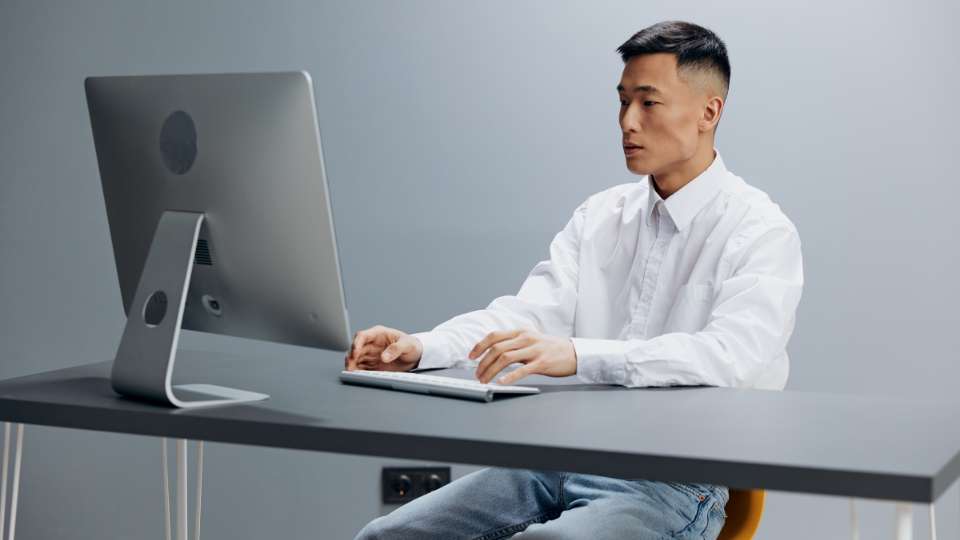
Being a digital researcher often means spending upwards of ten hours a day glued to a laptop screen, which can lead to a painful condition known as “tech neck.” While you are busy identifying a research gap or running complex simulations, your neck is often hunched forward in a position that puts massive pressure on your spine. This repetitive strain causes tech neck symptoms like sharp shoulder pain, headaches, and a stiff neck that can ruin your productivity and long-term health. By mastering your laptop ergonomics and using the right recovery tools, you can protect your body while you accelerate research publication and reach your academic goals.
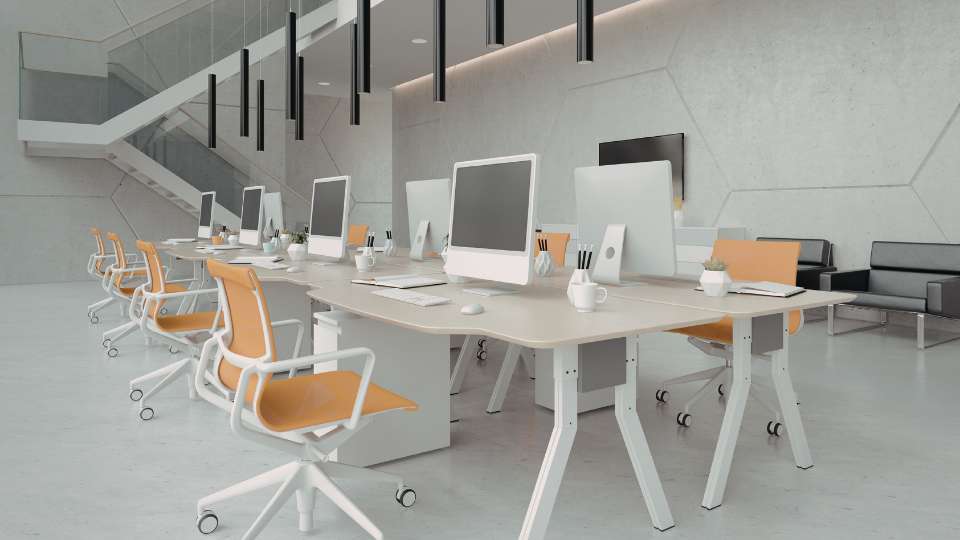
The most common cause of tech neck symptoms is looking downward at a screen for several hours every single day. You should use a laptop stand or even a stack of thick textbooks to bring the top of your screen to eye level. This prevents your head from tilting forward, which significantly reduces the weight and pressure placed on your cervical spine during long study sessions.
When you lift your laptop to eye level, your hands are no longer in a comfortable position, making an external keyboard essential for proper ergonomics. Using a separate mouse allows your shoulders to relax in a neutral position instead of reaching upward and forward toward the trackpad. This setup is a vital trick to manage your thesis without developing chronic physical strain.

You can combat tech neck symptoms by performing chin tucks several times an hour to strengthen your deep neck flexors. Simply draw your head straight back as if making a “double chin” to realign your vertebrae and stretch the tight muscles at the base of your skull. It is a quick movement that you can do while waiting for your literature review results to load.
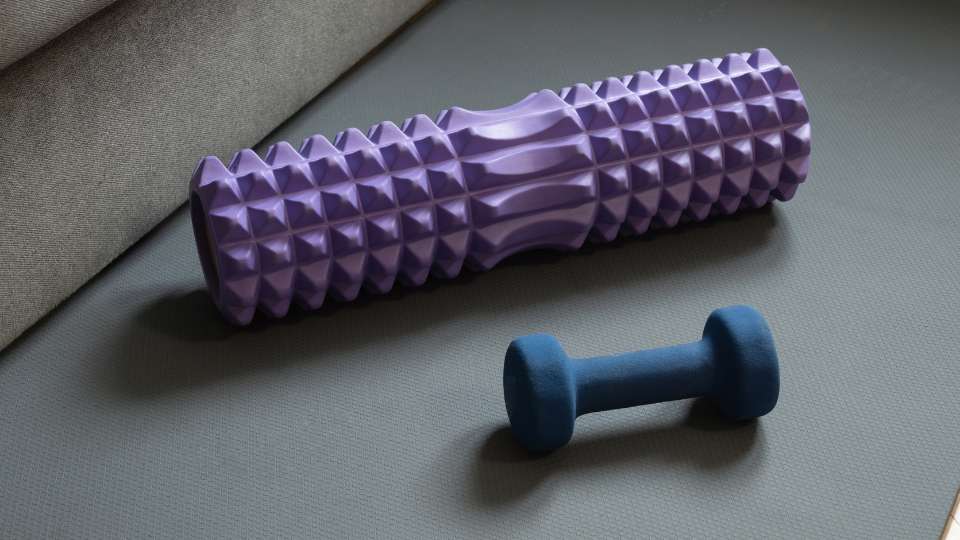
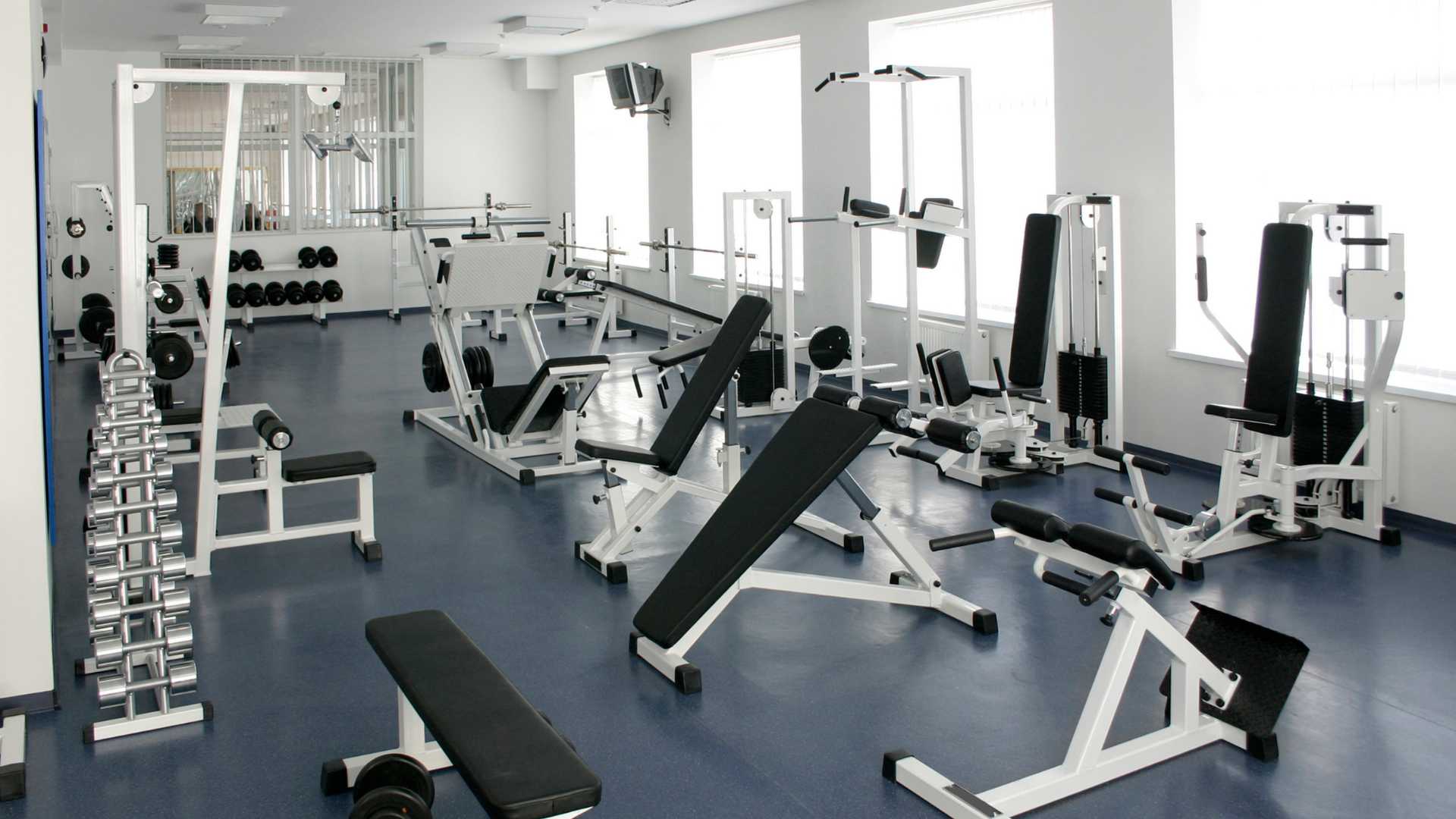
Using a foam roller on your upper back can help reverse the rounded-shoulder posture that researchers often develop after years of desk work. By gently rolling your thoracic spine, you release myofascial tension that contributes to the severity of your tech neck symptoms. You can find more details on why this is part of the “essential kit” in our guide to home workout equipment for busy researchers.

Weak upper back muscles allow your head to drift forward, making it much harder to manage your posture correctly. Using resistance bands for “rows” or “face pulls” can strengthen your posterior chain and pull your shoulders back into a healthy alignment. Building this strength is a key part of building self-discipline through fitness that supports your long-term research stamina.
Digital eye strain and tech neck symptoms often go hand-in-hand because as your eyes tire, you naturally lean closer to the screen. Every 20 minutes, look at something 20 feet away for 20 seconds to relax your eye muscles and reset your sitting posture. This simple habit helps you maintain mental clarity and prevents the headaches associated with long-term computer use.
Hunching forward causes your chest muscles to tighten, which physically pulls your neck out of alignment. Standing in a doorway with your arms at 90 degrees and leaning forward can open your chest and shoulders instantly. This stretch is a great way to beat academic burnout by reducing the physical feeling of being “weighed down” by your work.
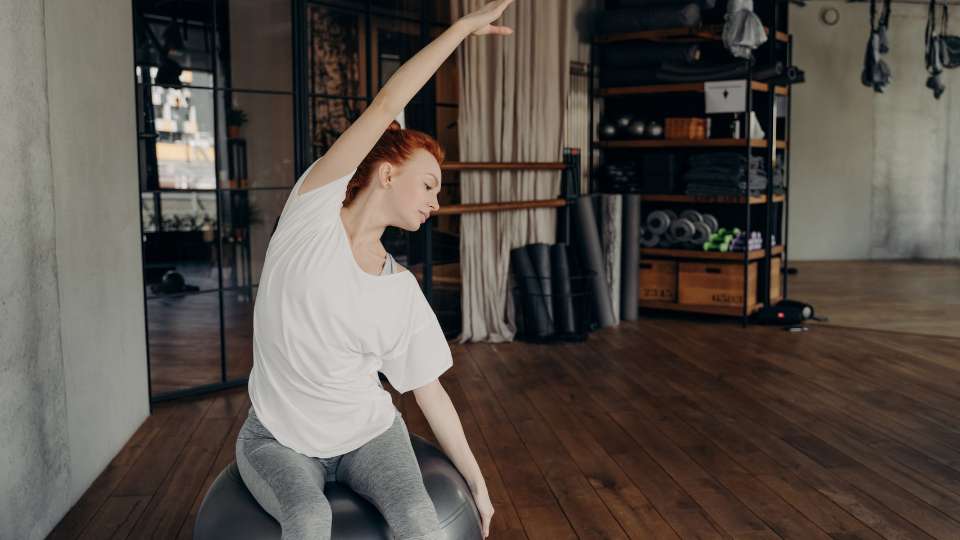
Switching your traditional chair for a stability ball forces you to engage your abdominal muscles to stay upright and balanced. A strong core provides the foundation needed to support your upper back and reduce the occurrence of tech neck symptoms. It is a fun way to stay active while writing a thesis without needing a full gym setup.
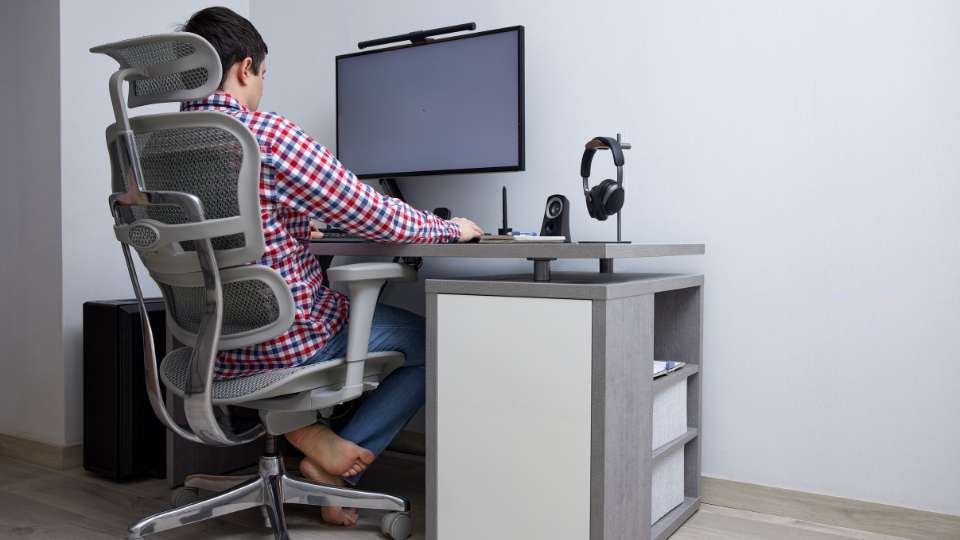
If you prefer a standard chair, ensure it has proper lumbar support to maintain the natural curve of your lower back. When your lower back is supported, your upper back is less likely to slouch, which minimizes the forward head tilt that causes pain. Proper seating is a fundamental PhD completion tip for anyone facing a long-term research project.
Sometimes the best way to avoid tech neck symptoms is to get away from the keyboard entirely for a while. Using voice-to-text tools allows you to walk around or stand tall while you formulate research questions or dictate early ideas. This breaks the sedentary stress cycle and gives your neck a much-needed rest from the “laptop look.”

Your spinal discs are primarily made of water, and dehydration can make them less effective at absorbing shock. Drinking plenty of water ensures your joints stay lubricated, which can reduce the stiffness associated with tech neck symptoms. Proper hydration is a core pillar of healthy meal planning for any high-performing digital researcher.
It is easy to forget your form when you are deep in data collection methods or analysis. Set a quiet alarm on your phone every 30 minutes to remind yourself to sit up straight and roll your shoulders. Consistency is the secret to mastering focus techniques while protecting your physical well-being.
While sitting at your desk, try to squeeze your shoulder blades together as if trying to hold a pencil between them. This simple movement activates the muscles responsible for good posture and provides immediate relief from tech neck symptoms. You can integrate this easily into the Pomodoro study technique to keep your body feeling fresh.
If you find yourself squinting or leaning forward to read, you need to increase your font size immediately. Adjusting your screen’s brightness to match your room’s lighting reduces eye strain, which in turn prevents you from jutting your chin forward. Small changes in your digital note-taking habits can save your neck from years of pain.

Before you head to bed, spend five minutes gently tilting your head from side to side to stretch your lateral neck muscles. This helps release the accumulated tension of the day and prevents the morning stiffness that often follows a long writing session. Better physical recovery leads to better student performance and higher cognitive output the next morning.
Preventing tech neck symptoms is a critical skill for any researcher who wants to maintain a long and productive academic career. By using a mix of home workout equipment for busy researchers and better laptop habits, you can stay pain-free while you change the world with your work. Remember that your health is the engine that drives your research, so treat your body with as much care as your research hypothesis and watch your success reach new heights!